
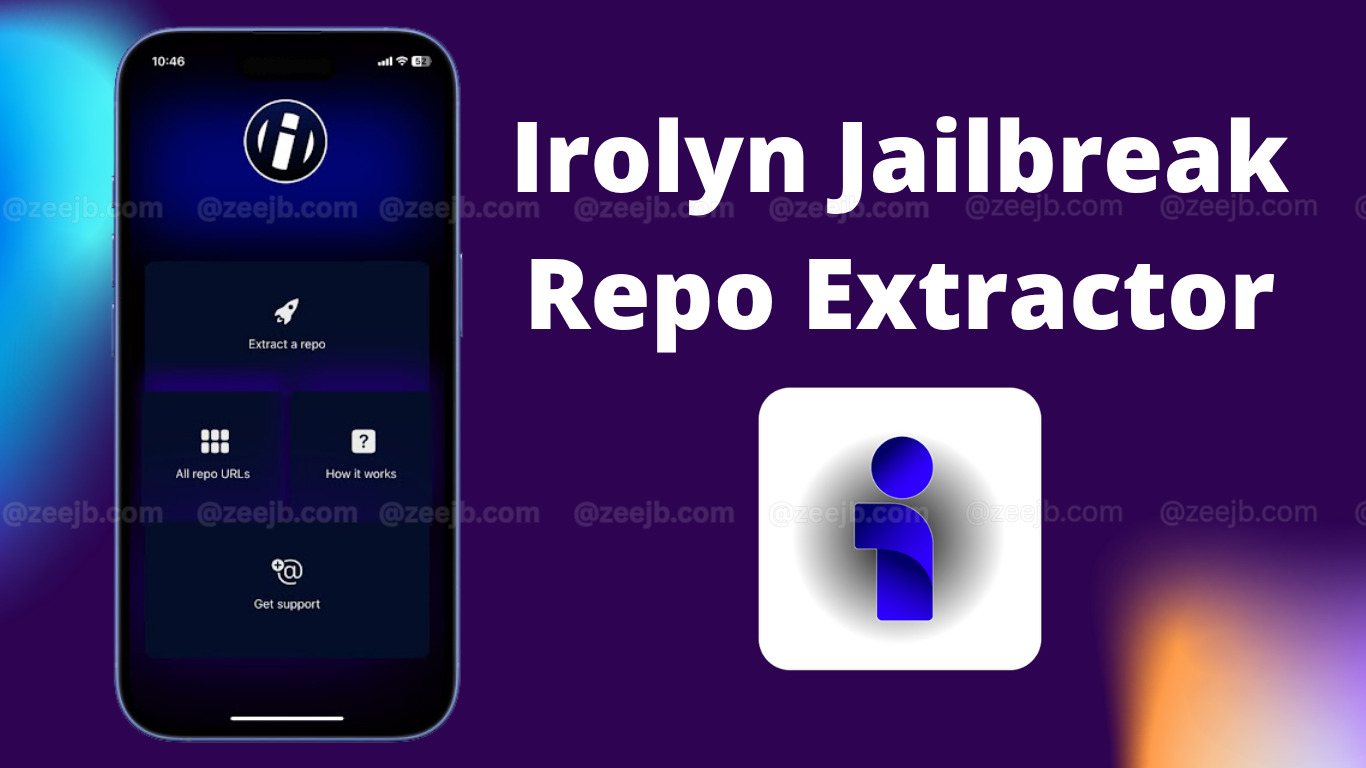
Irolyn Jailbreak Repo Extractor is a repo extractor for the iOS device. That was released with iOS 18 and is now also compatible with iOS 18.1 for jailbreaking.
How Irolyn works(features, Functionality)
Irolyn is a next-generation repo extractor that creates an essential bridge between your jailbreak repositories and the local system. Allowing unparalleled access and management of packages. This may work similarly to the process you used to add URLs to Cydia, Sileo, or Zebra, and to parse its contents meticulously. Irolyn contains 100+ repo packages. When the user extracts it via its dashboard, it transforms a raw data source into an easily navigable, interactive interface.
Each of those packages has comprehensive information, including its description, version history, dependencies, and direct download links.
Tip – You can alternatively use iOS tweak managers like
Irolyn Device & iOS Version Compatibility
Irolyn is compatible with all iPhones and iPad devices running iOS 26.5 beta or later, including iOS 18.7. Here is the full compatibility chart showing which versions Irolyn supports.
- iOS 26 – iOS 26.5 beta 3 and up
- iOS 18 – iOS 18.7 (including all beta versions)
Irolyn compatible with iPhone 17 Pro Max – iPhone 8
Download Irolyn Repo Extractor
Irolyn is a simple web application, so users don’t need an IPA signer or a Cydia Impactor-like tool to install it. Irolyn is also available on its official GitHub page, and you can download it using the following button.
DOWNLOAD Irolyn Repo Extractor.
Step-by-step guide on how to use Irolyn
Irolyn Jailbreak Repo Extractor is designed for both novice and experienced jailbreakers. First, download Irolyn using the download button above. Once you are at the Irolyn dashboard, follow the guide below.
Step 01: Input the Irolyn-compatible Repository URL to extract the packages. ( At the dashboard, you see “Repository URL” or “Source”; this is where you will put the full repo web address you wish to explore.)
Step 02: Click the “Extract” or “Analyze” button. Irolyn then swiftly processes the repository and scans its contents to present you with a list of all hosted packages, tweaks, and themes.
Step 03: You can navigate this catalog, often filtering or searching for specific items.
Step 04: Clicking an individual package reveals detailed information, including its description, version, and developer.
Step 05: Click the download button to install the .mobileconfiguration file on your iPhone.
Step 06: Open the iPhone settings app, navigate to General > VPN and Device Management > Irolyn, then click Install and follow the on-screen instructions.
Jailbrreak Repo Extractors
A Jailbreak Repo Extractor is a tool that allows users to download and extract repositories from various jailbreak sources.
These extractors are useful for users who need to access and jailbreak Tweaks, Themes, and other modifications(Home screen customizations). Using repo extractors, users can browse and extract repositories from popular jailbreak sources, such as Cydia, Sileo, or Zebra, and then add them to their preferred package manager.
Pikzo Repo Extractor
Pikzo is a popular jailbreak repo extractor for iOS 11 – iOS 26.5 beta. Users can copy the repo URL from the Pikzo manager, then paste it and extract the packages. Each package contains its own tweaks, modifications, and injections. To install Pikzo for your newer iDevice, click the button below.
Risks or potential issues associated with using repo extractors or jailbreaking
Before you use Irolyn or any other repo extractor, it is essential to consider the legitimacy, safety, and security aspects. The main concern is the risk of downloading and installing malicious or pirated content, which can compromise your device’s security and expose your personal data.
Our Zeejb’s dedicated team will reverse-engineer Irolyn, and, according to their reports, it is safe to use. Also, they advise that it is crucial to download content only from reputable sources and to use a reliable method to extract and install Cydia/Sileo packages.
