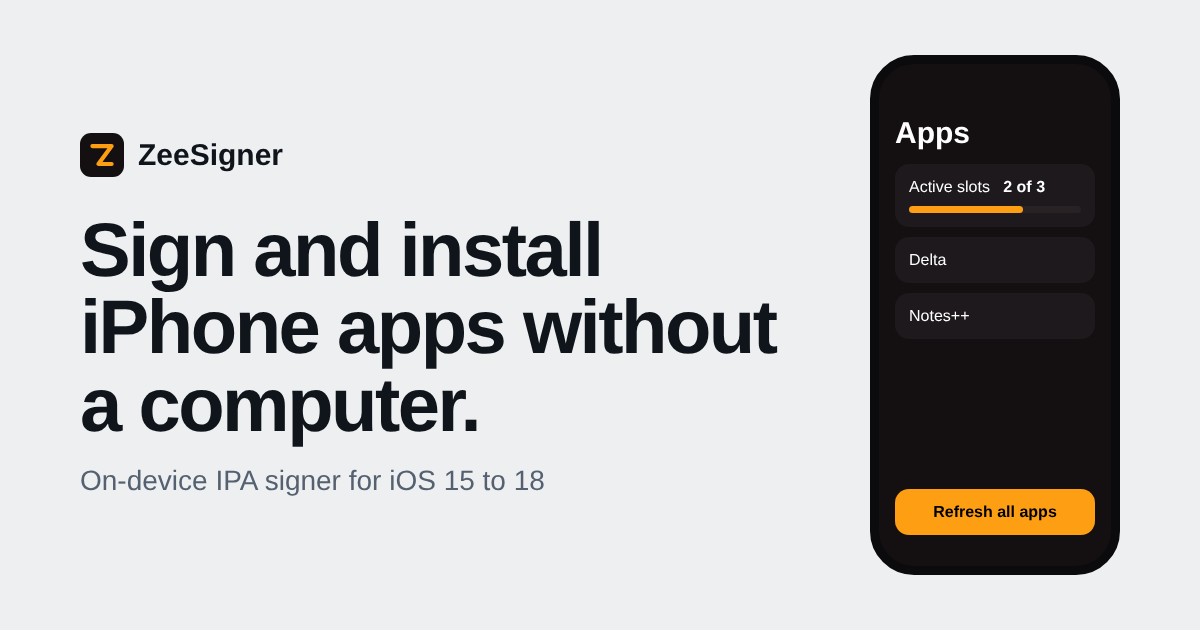
ZeeSigner Online Signer v0.9.1.24
Sign & Install ZeeSigner Online
Choose your preferred ZeeSigner build below, then upload your Apple Developer certificate to sign and install directly on your iPhone with zero PC or Mac required.
1. Developer Certificate (.p12)
Tap to select or drag & drop your .p12 certificate file
2. Provisioning Profile (.mobileprovision)
Tap to select your embedded.mobileprovision profile
Enter your .p12 password (leave blank if your certificate has no password).
ZeeSigner is Installing!
When prompted by iOS, tap Open, then tap Install on your iPhone Home Screen.
Tap Here to Re-launch Installation
No Certificate? Revoked or Expired?
Get ZeeSigner Online Without PC
UDIDMaster provides 100% Anti-Revoke Apple Developer Certificates registered to your device UDID. Sideload unlimited IPAs with zero revokes!
Standard Dev Cert
Direct Apple Developer Provisioning
$18
/ year
- 365 Days Uninterrupted Signing
- Unlimited Sideloaded Apps
- No 3-App Limit or WireGuard VPN
- 1-Tap Dashboard Auto-Installer
Most Popular
Pro Anti-Revoke
Fast Registration + Revoke Warranty
$25
/ year
- 6-Month Revoke Replacement Warranty
- Priority Device UDID Registration
- Apple Push Notifications Enabled
- 1-Tap Dashboard Auto-Installer
Premium Protection
Full 1-Year Anti-Revoke Guarantee
$40
/ year
- Full 365-Day Revoke Warranty
- Apple Push Notifications & CarPlay
- Priority VIP Sideloading Support
- Instant Delivery via Email + Dashboard