Exploring Palera1nWin: A New Jailbreak Tool
The jailbreak community is buzzing with excitement over the release of Palera1nWin, a new tool for Windows users. Developed with careful testing and user feedback in mind, this tool aims to simplify the jailbreaking process for various iPhone models.
What is Palera1nWin?
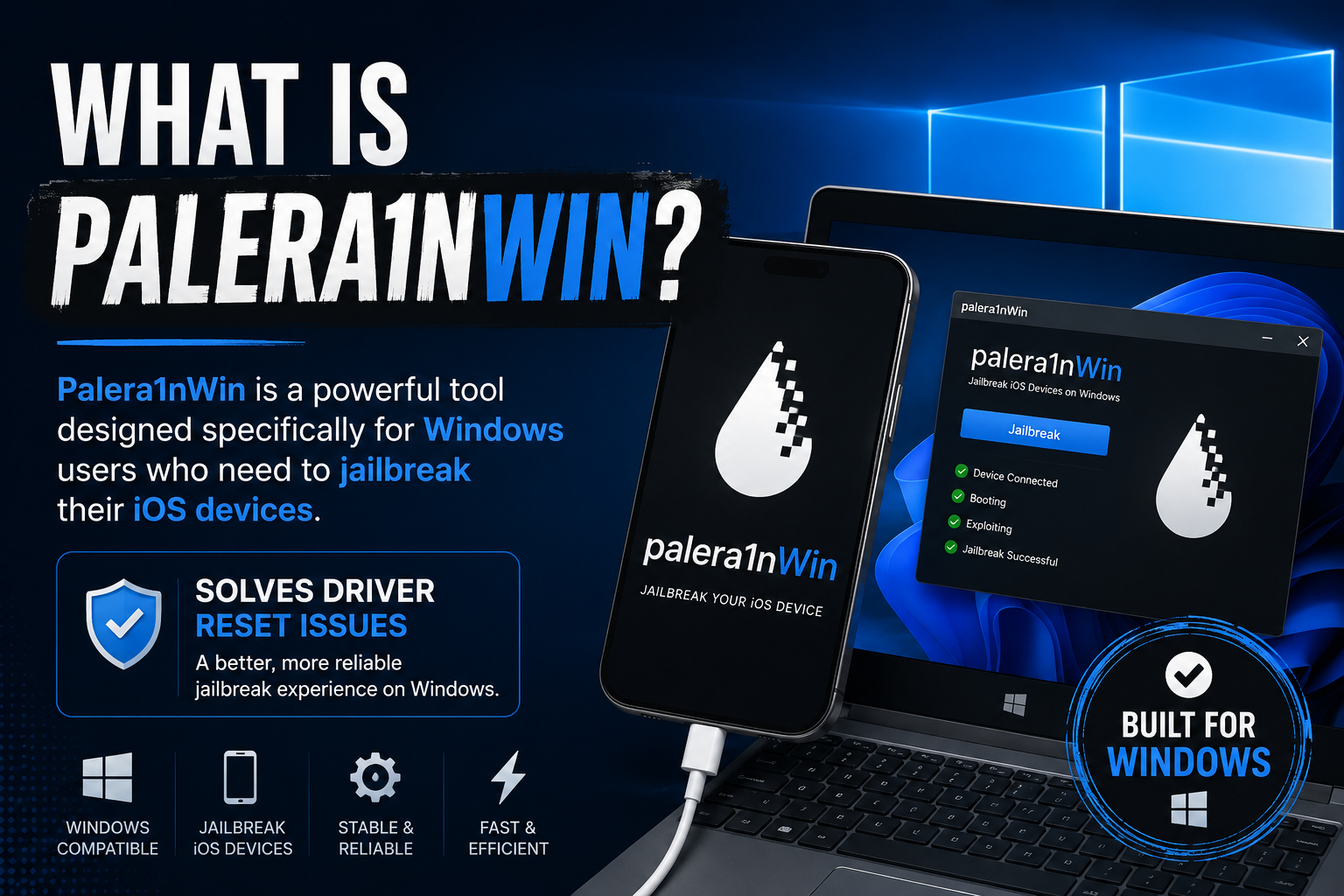
Palera1nWin is a powerful tool designed specifically for Windows users who need to jailbreak their iOS devices. This tool provides a good solution to the pesky driver reset issues that often plague the jailbreak process on Windows.
Read More:
iOS 27 Jailbreak Status & Solutions
iOS 26 Jailbreak Tweak Master Compatibility
Palera1nWin supports a range of iPhone models, like iPhone 11, iPhone XR, and even some older models. The tool is built on the libusbk driver, which enhances compatibility and minimizes the driver reset problem.
Since its release, Palera1nWin has generated positive feedback from the community. Many users commented, such as “Finally, thank you for the full jailbreak,” “Awesome job. Really appreciated,” and “Smooth jailbreak.”
You can check out PaleraWin and its latest updates at – https://github.com/pwnapplehat/Palera1nWin
How Does Palera1nWin Compare to Winrain?
Palera1nWin vs. Winrain: there are several key differences and similarities. Both tools are designed to help the jailbreak process on Windows, but the tools’ techniques and user experiences vary.
Palera1nWin claims a more user-friendly interface, making it easier for beginners to navigate. Palera1nWin’s execution time is also faster than Winrain.
However, Winrain is more stable, with fewer reported crashes and issues during use. Both tools support a range of iPhone models, but Palera1nWin has been noted for its compatibility with the latest iOS versions.
How to Install Palera1nWin
Installing Palera1nWin is an easy process. First, ensure that your Windows PC meets the necessary requirements, including having the latest version of iTunes installed and iTunes drivers installed.
Step 01: Download the latest version of the Palera1nWin tool from the official website.
Step 02: Once the download is completed, extract the files into a separate folder.
Step 03: Connect your iDevice to the PC using a USB cable, and launch the Palera1nWin application from your PC.
Step 04: Follow the on-screen instructions, then select your iDevice model and click the “Jailbreak” button.
Step 05: The tool will guide you through the process, and once it’s finished, your device will reboot.
Step 06: After rebooting, you should see the Cydia app installed, indicating a successful jailbreak on your PC Palera1nWin dashboard.
NOTE: Always remember to back up your data before starting the process to avoid any potential loss.
Features
- Fluent dark UI (WPF-UI 4.3, Acrylic backdrop, teal accent)
- One-click jailbreak orchestrator: DFU helper → libusbK → openra1n (Pongo 2.6.3) → palera1n payloads
- Device live monitor (Normal / Recovery / DFU / YOLO / Pongo)
- Driver assist for
05AC:1227/1281/4141(auto when possible, Zadig fallback) - Fix Windows Drivers — one-click restore of default Apple drivers after jailbreak (removes libusbK/WinUSB so iTunes/Apple Devices can see the phone again)
- UsbDk uninstall — one-click removal of the conflicting UsbDk filter driver
- Fetch/select palera1n versions from GitHub Releases
- Settings: rootless/rootful, safe mode, verbose boot (
-V), toolchain root, WSL distro - Portable — settings, logs, and runtime files live next to the exe (no
AppDatapollution) - Logs + Setup doctor checks (WSL, usbipd, toolchain, UsbDk conflict detection, WSL runtime)
- Bundled toolchain —
openra1n.exe,palera1n.ps1launcher,palera1n-linux-x86_64binary,wdi-simple.exe,zadig.exe,gaster.exe, and provision scripts ship intoolchain\next to the exe. No separate toolchain download required. - One-click Provision WSL — installs the
palera1nruntime +pln-run.shwrapper into/opt/palera1n/inside your WSL distro from the Setup tab (no manualsetup.ps1).
Common Issues and Solutions
While Palera1nWin dominates the community interest in jailbreaking iOS, some users may encounter common issues during the jailbreak process. One frequent problem is the failure to recognize the device.
This can be fixed by ensuring that the iPhone is in DFU mode before starting the jailbreak. Another issue users report is the tool freezing during the process. To fix this issue, users can restart both the PC and iPhone, then try again.
Additionally, some users experience errors related to missing dependencies. To tackle this issue, ensure that all required drivers and software components are installed before you try again. By dealing with these common issues, users can improve their experience with this innovative jailbreak tool.
FAQ
Many users have questions about safety and compatibility regarding Palera1nWin. First and foremost, Palera1nWin is designed with user security in mind. It ensures that the user’s device remains protected during the jailbreak process. Another common concern is the tool’s compatibility; Palera1nWin is compatible with iOS 15 and earlier.


