FilzaEscaped 17: iOS 18 – iOS 26.5 beta
In this tutorial, we are covering everything you need to know about FilzaEscaped / FilzaJailbedDS / FilzaFlow. iOS 11-iOS 27 Filza compatibility, Alternatives, Comparison, & Downloading and Installation methods.
Filza Latest Updates:
The developer Huy Nguyen released FilzaJaildDS (based on the Darksword exploit) supporting iOS 17.0-iOS 26.0.1, excluding iOS 18.7.2-iOS 18.7.7.
For the iOS 17/18 users can use Filza after jailbreaking your device using Palera1n(A11 devices) or installing TrollStore / Sileo
What is Filza? FilzaEscaped, FilzaJailed, FilzaFlow
After a long time, in 2023, with the release of FilzaEscaped 15, no working Filza file manager has been available due to Apple’s strict firmware updates. But in the 2026 release of the Crouna and Darksword exploits, the jailbreak community developers released amazing customization and root-access features.
Up to this point, the developer Huy Nguyen (Little_34306) released a tool called FilzaJailedDS that uses the DarkSword exploit. It supports iOS 17. The source and tweak are available, and the tweak is injected into the Filza IPA. With the source, the tweak is injected into the Filza IPA.
Download Latest FilzaEscaped / Filza file manager
Latest update:
What is FilzaJailedDS/FilzaJailbreak?
The developer Huy Nguyen developed an iOS file manager called FilzaJailedDS/FilzaJailbreak. This is a fork of the modified version FilzaScapped and uses a Darksword Exploit to access root files.
FilzaJailedDS is an open-source modded version of the Filza File Manager that grants advanced system file access on iOS devices without a jailbreak. Developed by developer Little_34306, it integrates the DarkSword exploit to bypass sandbox restrictions and gain kernel read/write permissions on supported firmware.
Compatibility & Device Limits
- Supported iOS Versions: iOS 17.0 through iOS 26.0.1.
- Unsupported iOS Versions: iOS 18.7.2 through 18.7.7.
- Hardware Restrictions: It does not work on the iPhone 17 series or M5 iPads. This is due to Apple’s hardware-level MTE (Memory Tagging Extension), which blocks the kernel read/write access required for the exploit.
- A18 / A18 Pro Fixes: Version 2.0 adds stability fixes for the iPhone 16 Pro and Pro Max (A18 Pro chips). On these specific chips, users must typically wait roughly 1 minute after launching the app for the exploit to initialize, then pull down to refresh.
Key Features
- Jailbreak-Free Root Access: Browse system directories, edit
.plistsettings, and view otherwise restricted configuration files. - Apps Manager Integration: Provides basic controls over third-party application directories (though disk usage metrics are heavily restricted).
- Tweaked Bundle: Built directly into older stable bases of Filza (version 4.0.0 and earlier) to avoid system panics and crashes.
How to Install It
Because it cannot be hosted on the official App Store, you must sideload it onto your device:
- Download the official, compiled
.ipafile directly from the FilzaJailedDS GitHub Releases Page. - Sideload the IPA onto your iPhone or iPad using desktop utilities like Sideloadly, AltStore, or SideStore.
- Go to
Settings>General>VPN & Device ManagementOn your iOS device, you need to trust your developer certificate before launching the application.
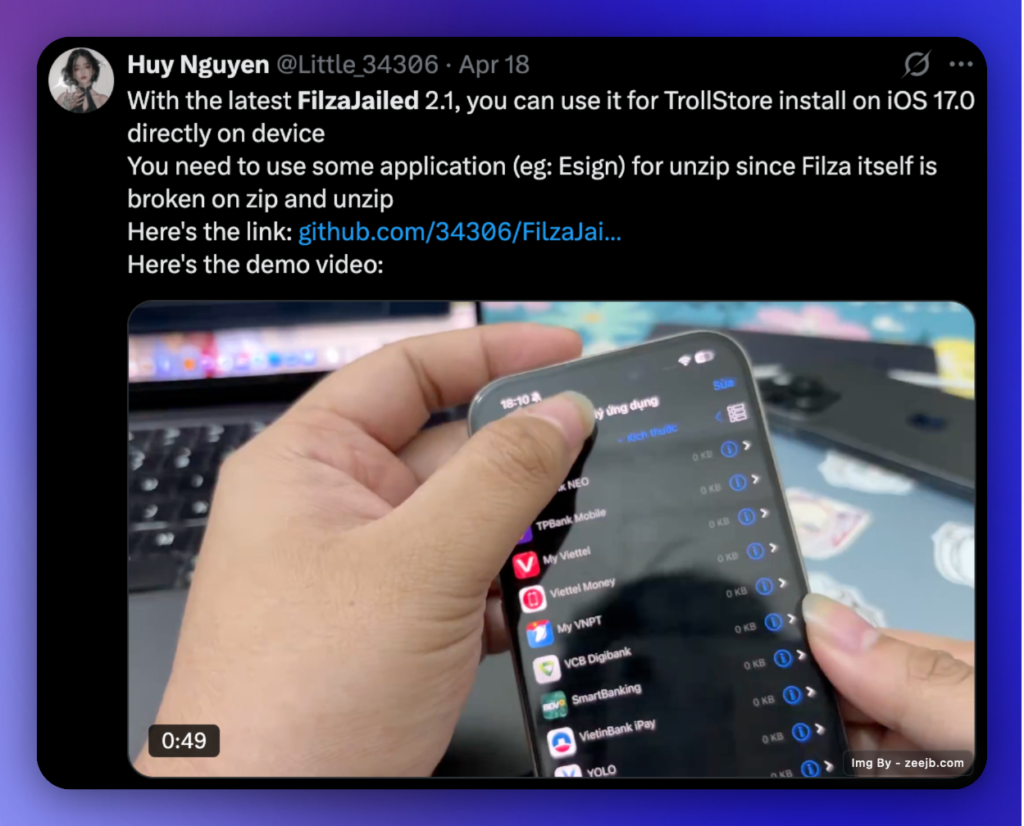
With the latest FilzaJailbreak 2.1, you can install TrollStore on iOS 17.0 directly on the device. You need to use some application (eg: Esign) for unzip since Filza itself is broken on zip and unzip
Here’s the link: https://github.com/34306/FilzaJailedDS/releases/
FilzaEscaped compatible iOS versions
You can find FilzaEscaped/FilzaJailedDS/FilzaFlow device and iOS compatibility by referring to below list. Also we have deleopped Ai based filza compatibility checker so you can run it with out PC and installation.
Click here to check FilzaEscaped is compatible with your deivce!
iOS Versions:
- iOS 26 (And All Beta versions)
- iOS 18.6.2, 18.6.1, 18.5, 18.4.1, 18.3.2,18.3.1,18.3, 18.2.1, 18.2, 18.1.1,18.1,18.0.1,18.0
- iOS 17.7, 17.6.1, 17.6, 17.5.1, 17.5, 17.4.1, 17.4, 17.3.1,17.3 ,17.2.1, 17.2, 17.1.2, 17.1.1, 17.1, 17.0.3, 17.0.2, 17.0
- iOS 16 – iOS 15 All iOS versions
Device Models:
- iPhone 17, iPhone Air, iPhone 17 Pro, iPhone 17 Pro Max
- iPhone 16, iPhone 16 Pro, iPhone 16 Pro Max, iPhone 16e, iPhone 16 Plus
Supported Devices – Filza 15.
- iPhone 15, iPhone 15 Pro, iPhone 15 Pro Max
- iPhone 14, iPhone 14 Pro, iPhone 14 Pro Max, iPhone 14 Mini
- iPhone 13, iPhone 13 Pro, iPhone 13 Pro Max, iPhone 13 Mini
- iPhone 12, iPhone 12 Pro, iPhone 12 Pro Max, iPhone 12 Mini
- iPhone 11, iPhone 11 Pro, iPhone 11 Pro Max
- iPhone X, iPhone XS, XS Max, and iPhone XR
- iPad Mini (2019)
- iPad Air (2019)
- iPhone 8, iPhone 8 Plus
- iPhone 7, iPhone 7 Plus
- iPhone 6, iPhone 6 Plus, iPhone 6s, iPhone 6s Plus
- iPhone SE
- iPad Mini (5th generation), iPad Air 1, iPad Air (2019, 3rd generation)
FilzaEscaped 15: zeejb status
We tested the new FilzaEscaped 15 on devices running iOS 15, iOS 16, iOS 17.7.2, and iOS 26 beta 9. Although it is a little glitchy, it can still be used. We are hoping the developer will take care of everything as quickly as possible.
But the Filza Clone app is fully compatible and working on iOS 15 – iOS 26, including iOS 18.6.2
Based on a tweet from the developer, we can expect Filza for iOS 16 – iOS 16.5/26 to be released in the future. Furthermore, our research suggests that Filza can be installed ( iOS 16) using the KFD Jailbreak exploit, albeit with limited features.
How to install Filza IPA on iPhone/iPad? (FilzaEscaped 15)
Filza for iOS 15 – iOS 15.1 is released now. So, you can now download the latest Filza file manager IPA file by clicking the button below.
How to get Filza for your iPhone/iPad?
Here are 4 methods to install Filza on your device using a computer. Also, you can try the online methods.
- E-sign Method – No need for a computer
- Sideloadly Method – Need Computer
- Cripzi Repo Signer – Without a Computer
- AltStore Method – Need Computer
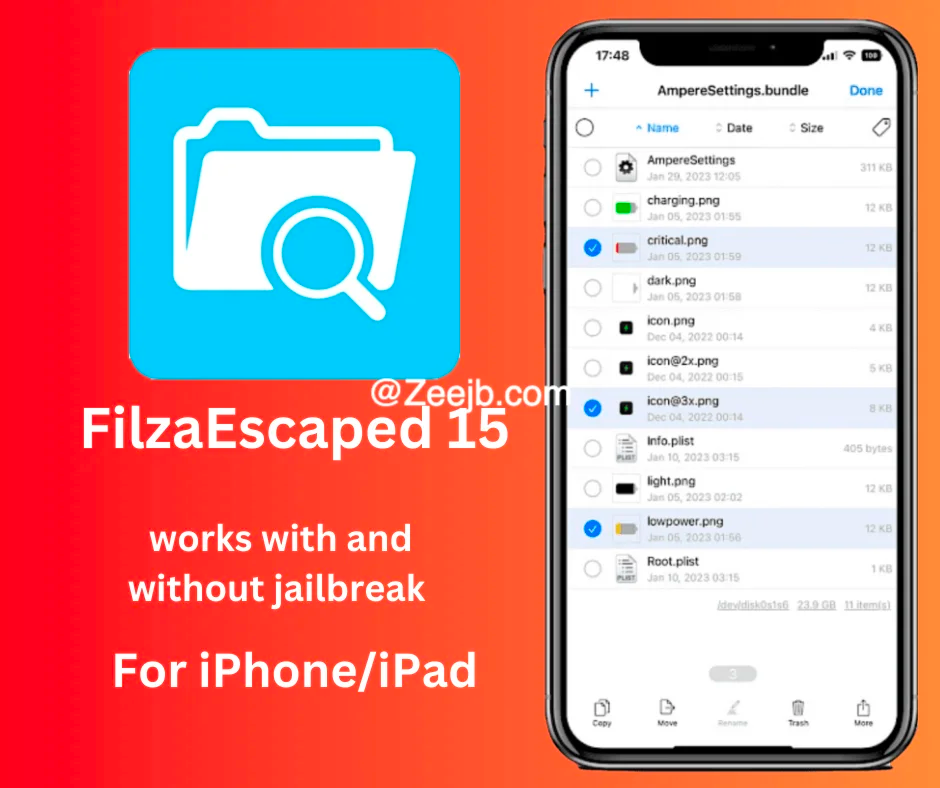
E-sign Method – Online
#Step 1: Download Filza IPA file
#Step 2: Get E-Sign Patch and install it
#Step 3: Open E-sign and import Filza iPA
#Step 4: Sign With Certificate
#Step5: Now Filza will appear on your home screen.
| Related Articles |
|---|
| UO4S Store |
| Manticore Jailbreak |
| Selio v2.2.5 |
Samsung Galaxy S23 and S23 Plus – Information about the Samsung Galaxy S23 and S23 Plus.
Sideloadly Method for Windows computer – FilzaEscaped 15
Sideloadly is a new Windows tool that allows users to sideload IPA files on an iOS device with a free developer certificate.
Step 1: Download Sideloadly to your Windows PC and install it – Follow the Sideloadly installation Guide
Step2: Download Filza’s Latest IPA
Step3: Open the Sideloadly app and connect your iPhone/iPad, then configure the account settings(If you do not know how to do it, please follow the Sideloadly Installation Guide)
Step 5: Drag & drop the Filza IPA file into Sideloadly or choose the IPA file. Then press the Start Button
Step6: Filza will appear on your home screen
Step 7: Go to settings > General > Profiles & Device Management > Developer App( Your Apple Account ) > Trust Application.
Go to Home Screen Then Open Filza.
Altstore installation
- Download AltStore. Use the link for your operating system.
- Unzip and move AltStore to your Applications folder.
- Launch the AltStore application.
- Click on the AltStore icon in the Menu Bar, and then click on the Install Mail Plug-in option.
- Open the Mail app, and click on Mail → Preferences in the menu bar.
- Open the General tab in Mail preferences, click Manage Plug-ins, check AltPlugin, and apply and restart Mail.
- Connect your iOS device via USB.
- Click AltStore in the menu bar, then go to Install AltStore → (Your iOS Device)
- Log in with your Apple ID when prompted and click Install.
- On your iOS device, open Settings → General → Device Management and tap on your Apple ID.
- Trust AltStore.
- Tap the “Open in AltStore” button located.
- AltStore will now install the app. Wait until it finishes.
Please note- we tested the new FilzaEscaped 15 with iOS 15, iOS 15.1, and iOS 15.1.1 running devices. but It is kind of buggy, but it is possible to use it. We hope the developer will resolve all issues as soon as possible.
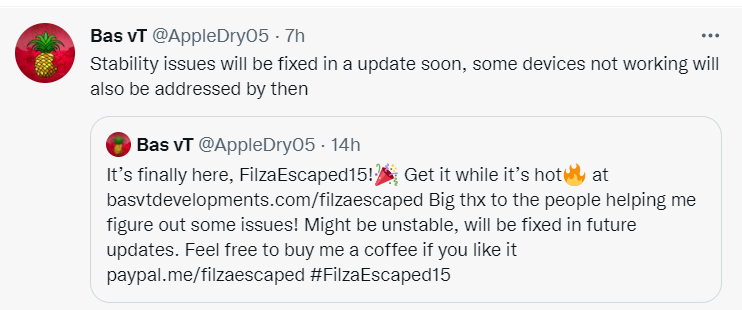
Developer Bas vt tweeted that he would fix all the issues as soon as possible.
How to download FilzaEscaped 15? – The video guide coming soon.
Features of FilzaEscaped
- FilzaEscaped is extremely useful because it allows you to remove any unwanted file from your device regardless of format.
- Some obsolete files, ad files, junk files, and caches may remain on the device and can be easily removed with FilzaEscaped.
- This application can read and modify system files directly.
- You can open and edit any application file. This way, you can download any app on iOS without risk of system damage.
Fliza 15 updates
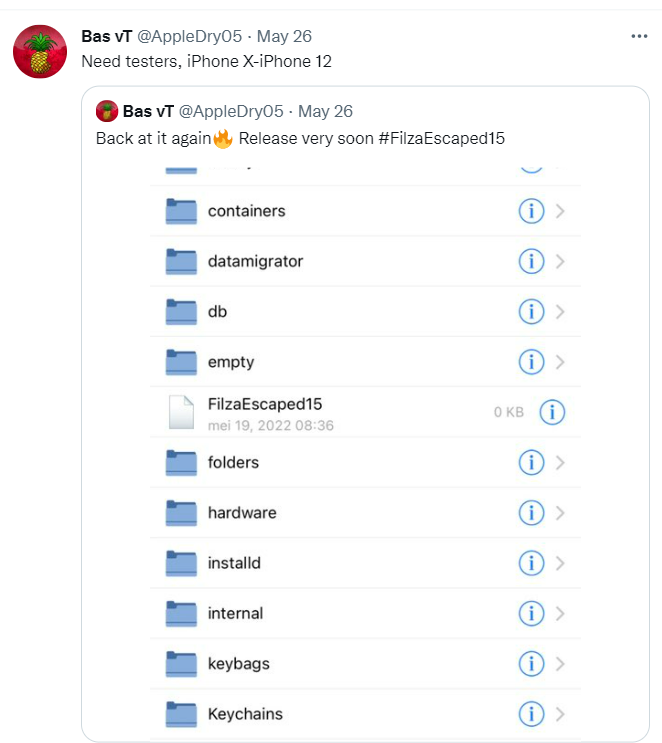
couple of hours ago, Bass VT, who has been historically developing the FilzaEscaped for iOS 14, iOS 13, and so on, posted this quote back at it again and released it very soon with a picture of Filza that is basically running on their device.
Why do you need FilzaEscaped?
After you have completed the jailbreak process, you can personalize your smartphone using the Cydia app manager or the Sileo app manager. There is not yet a jailbreak available for iOS 15 or higher versions that is either semi-untethered or semi-tethered. Therefore, if you have iOS 15 or a higher version, FilzaEscaped15 is an excellent option for you to customize your iPhone or iPad without having to resort to jailbreaking it.
iOS 16 – FilzaEscaped 16
FilzaEscaped is not yet compatible with iOS 16. But fortunately the Filza_MacDirtyCow is now compatible with iOS 15.0 – 16.1.2
iOS 15 jailbreak tools and solutions
The most famous jailbreak solutions are
- Pikzo jailbreak
- Cripzi jailbreak
- E-sign Signer -jailbreak Cydia installer
- U04S Store-Unc0ver jailbreak online installer
- Oddy Store – taurine jailbreak online installer
- Appdb pro – tweaks apps + new iOS apps installer (online)
- Zeejb app store
- Whatsapp patch app – whats app hacked app
- Youtube patch app – youtube hacked app
- lightning sign app – IPA signer
- Zeon
- Hexxa plus
jailbreak tools
According to user rankings, the most popular 2022 Jailbreak solutions are the Pikzo jailbreak and E-sign patch (jailbreak installer) applications.
you may also like :