What is jailbreak (zeejb jailbreak guide)
Here is how to jailbreak your iPhone/iPad, what jailbreak is, whether jailbreak is safe, the complete jailbreak guide, and everything you need to know about jailbreak.
iPhone Jailbreaking: What It Is and How It Works
Jailbreaking is the process of removing Apple software restrictions for iOS devices. Usually, iOS users can install apps only from the Apple App Store.
A Jailbroken device allows you to install 3rd-party apps that are not available in the App Store. Therefore, jailbreaking is the only way to install iOS system tweaks, themes, customization apps, and many kinds of Apple-disgruntled apps.
Jailbreaking works by installing a software application on your computer, then having it transfer specific instructions to the phone so it can essentially “break open” the file system.
A jailbreak comes with a collection of tools that let you modify what would otherwise be unmodifiable.
Jailbreak tools and processes may vary depending on your device model and iOS version. You should use the most compatible Jailbreak tool for your device model/iOS version, and computer operating system.
Is jailbreak safe?
Jailbreaking is the process of removing software restrictions built into iOS devices, such as iPhones and iPads.If you jailbreak, you will lose your Apple warranty and Apple protection. But if you do not jailbreak, you can not customize your iPhone at will. So most Apple users jailbreak their devices.
Why do people jailbreak their iPhones?
Although iOS has become more customizable over the years, many advanced features remain unavailable in Apple’s default software. Jailbreaking gives users greater control over how their devices look and function.
Common reasons people jailbreak their devices?
- Install tweaks
- Install Cyida, Selio, Zybra package managers
- Customizing icons, themes, fonts, and animations.
- Running powerful file management applications.
- Accessing SSH and terminal utilities.
- Using advanced CarPlay tweaks such as carbridge.
- Installing developer utilities and debugging tools.
- Adding features unavailable in stock iOS.
- Experimenting with iOS customization and research.
For developers and security researchers, jailbreak also provides an environment for testing applications and studying how iOS behaves beyond Apple’s standard restrictions.
How does jailbreaking work?
Every jailbreak begins by exploiting one or more software vulnerabilities in iOS. These vulnerabilities Allow developers to have higher privileges than normally allowed by Apple’s security mode.
After a successful exploit, the jailbreak installs the necessary bootstrap files and package manager support, making it possible to install tweaks and system modifications.
Modern jailbreaks package managers
Modern jailbreaks usually include support for package managers such as:
Silio
Zebra
Cydia (Legacy Jailbreaks)
These package managers allow users to browse repositories, install tweaks, update packages, and manage installed modifications in the same way that the App Store manages traditional apps.
Since each exploit targets specific firmware versions, compatibility depends on your iPhone model and the iOS version installed on your device.
Jailbreak types
Over the years, several different jailbreak methods have been developed. Understanding the differences can help users choose the right solution for their device.
1.Rootless Jailbreak
Rootless jailbreaks are the modern standard for iOS customization. Instead of directly modifying Apple’s security system partition, rootless jailbreaks install tweaks in a separate writable area, making them safer, easier to maintain, and more compatible with newer versions of iOS.
Recent jailbreak projects are based on a rootless design.
Advantages
- Improved stability
- Better compatibility with newer iOS versions
- Easy package management
- Reducing system change
- Rootful Jailbreak
Rootful jailbreaks directly modify Apple’s system partition, giving users complete access to almost every part of the operating system.
Although rootful jailbreaks offer maximum flexibility, they are generally less common in newer iOS versions as Apple’s security protections have become more robust.
2. Semi-Untethered Jailbreak
After the reboot the semi-free jailbreak is installed, but the jailbreak functionality is disabled until the jailbreak app is re-launched on the device.
This has become one of the most common jailbreaks in recent years.
3. Partially-linked jailbreak
With a semi-tethered jailbreak, the device can boot normally after rebooting, but usually requires a computer to re-enable the jailbreak functionality.
Some older jailbreak tools use this approach.
Offline Jailbreak
Untethered jailbreaks are automatically activated even after rebooting the device without requiring any additional steps.
As Apple has significantly improved iOS security, true untethered jailbreaks have become extremely rare in recent years.
Popular uses for Jailbreak
Many users choose to jailbreak their devices to unlock features not officially offered by Apple.
Popular jailbreak uses include:
- Installing custom themes
- Changing the control center
- Lock screen customization
- Advanced multifunction features
- File system access
- Executing terminal commands
- Custom notification styles
- Advanced CarPlay customization
- Developer testing
- Defense research
- Automatic tools
- Experimental modifications
The exact features available depend on the jailbreak tool, the modifications installed and the iOS version running on the device.
Is Jailbreaking Still Popular?
Although fewer users jailbreak their devices today compared to a decade ago, jailbreaking remains very relevant among enthusiasts, developers, researchers, and users who want advanced customization beyond Apple’s built-in capabilities.
The jailbreak community continues to develop new tools, explore security research, and create innovative tweaks that expand the functionality of iOS. At the same time, Apple often adopts ideas from the jailbreak community, bringing some popular features into official iOS releases.
As a result, modern jailbreaking has evolved from a mainstream activity to a more specialized ecosystem focused on customization, development, and iOS research.
Latest iOS Jailbreak News updates-
- iOS Donate Subscribe
- Uo4s Store
- ZeeImpactor – Sign and install iPhone IPA apps
- unc0ver Jailbreak – iOS 11 – iOS 14.8
- Alight Motion MOD IPA Free Download
iOS 13.2 beta
Apple released the iOS 13.2 beta version for iPhones and iPads.
Install the iOS 13.2 beta profile through ZeeAppstore and apply the following iOS 13.2 jailbreak solutions according to your device model.
ios 12.4 jailbreak
Unc0ver jailbreak tool released for iOS 11 to iOS 12.4.
Download Unc0ver Jailbreak:
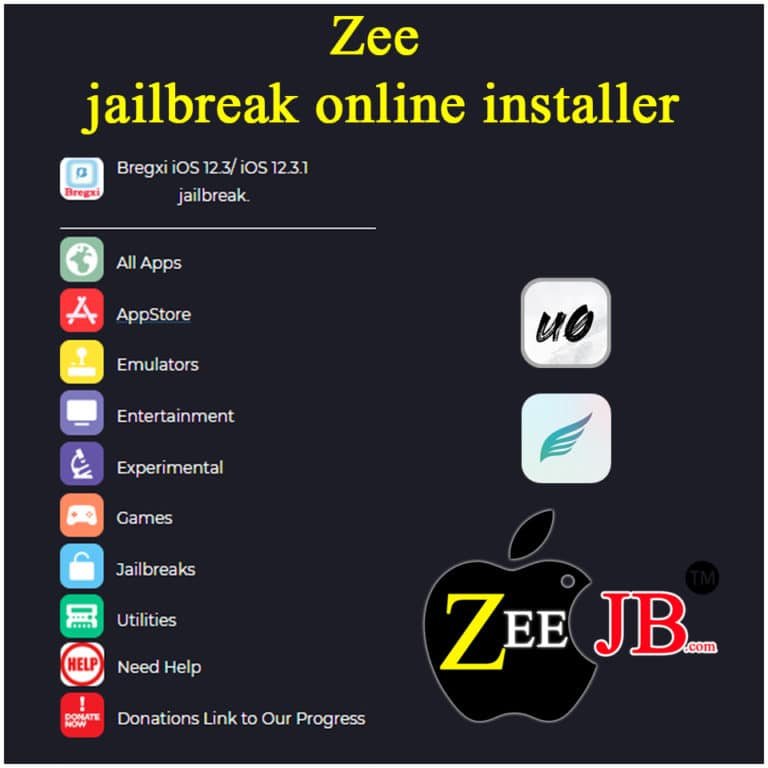
Update: Now you can download Uncover Jailbreak using zeejb app ( image below ). This requires no computer and could be done right on your iOS device.
Apple releases third iOS 12.3 developer beta
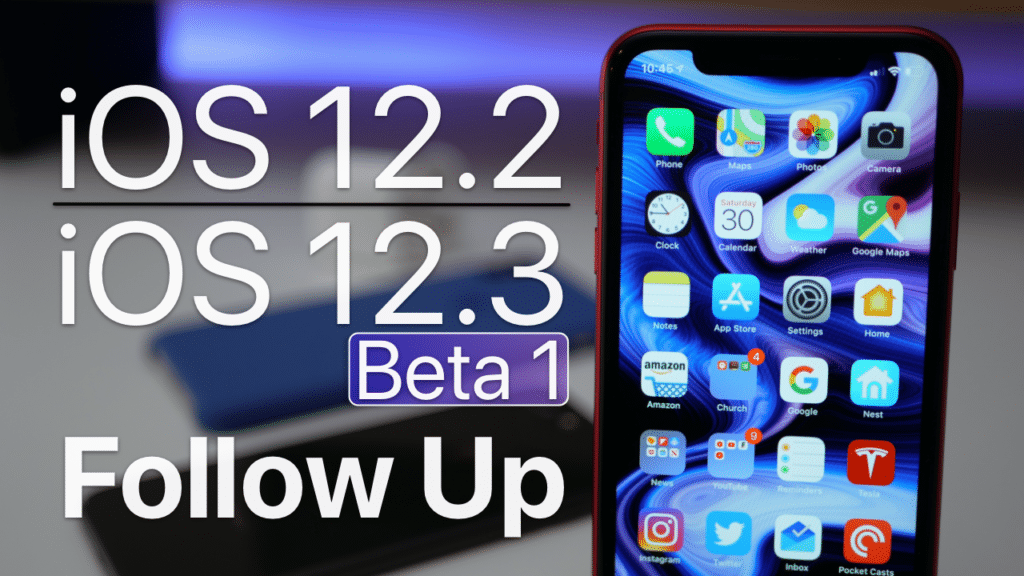
Running the iOS 12.3 developer beta 3 on your iPhone or iPad? The third beta version of iOS 12.3 will be available shortly.
We’ll update our coverage to highlight any changes discovered in the beta release.
iOS 12.3 beta includes Apple’s new TV app which supports new video features including Apple TV Channels.
Apple also has a tvOS 12.3 developer beta for testing the new TV app on the Apple TV HD and Apple TV 4K. Apple TV 3 boxes will also gain the new TV app when the software release is finalized.
they released the first developer beta version of the upcoming software release on March 27th, followed by an updated build on April 8th.
Apple’s developer beta program is also testing pre-release versions of watchOS 5.2.1 for Apple Watch and macOS Mojave 10.14.5 for Mac.
We’ll likely see each software update released sometime in May. The current official software versions include iOS 12.2, watchOS 5.2, tvOS 12.2.1, and macOS 10.14.4.
iOS 12.2 brought new Animoji, support for AirPods 2, and Apple News+, the new news and magazines subscription service.
We’ll update our coverage when iOS 12.3 beta 3 is released shortly. We also expect watchOS 5.2.1 beta 3 today. macOS and tvOS beta updates are also likely coming shortly.
Top 15 Jailbreak tools
- Dopamine Jailbreak – iOS 15 -15.4.1
- Ra1ncloud Jailbreak
- XinaA15 Jailbreak
- Palera1n Jailbreak
- checkra1n Jailbreak
- unc0ver Jailbreak
- Fugu15 Jailbreak
- Chimera Jailbreak
- C0ment Jailbreak
- Taurine Jailbreak
- Rootless Jailbreak
- Odyssey Jailbreak
- Blizzard Jailbreak
- Kok3shi jailbreak
Safe jailbreak solutions
Below are the most popular and safe jailbreak solutions.
- Pikzo jailbreak
- Cripzi jailbreak repo signer
- 9 installer app
- Zeon
- E-sign Signer -jailbreak Cydia installer
- U04S Store – Unc0ver jailbreak online installer
- Oddy Store – taurine jailbreak online installer
- Appdb pro – tweaks apps + new iOS apps installer (online)
- Zeejb app store
- Whatsapp patch app WhatsApp-hacked app
- Youtube patch app YouTube-hacked app
- lightning sign app – IPA signer
- Hexxa plus
- Checkra1n for iOS 15 / FUGU
- Unc0ver jailbreak
- Taurine / odyssey
You may also like:
3 Comments
Comments are closed.